
In today’s fast-paced business environment, efficiently printing barcodes is crucial for inventory management, product tracking, and sales transactions. Whether you’re a small retailer or a large warehouse operator, having a reliable barcode label printer can streamline your operations and reduce errors. This article will walk you through the steps of printing a barcode, highlighting the importance of using a dedicated barcode label printer and how G&G Image’s high-quality consumables can enhance your printing experience.
How to Print a Barcode
Printing a barcode involves several key steps, starting with selecting the right software and ending with ensuring the barcode is scannable and accurate. Here’s a simplified process: Select barcode generation software that suits your needs. Many free and paid options are available, offering various barcode types (e.g., UPC, EAN and QR codes). Input the necessary data into the software and customize the barcode’s size, color, and format according to your requirements. Ensure your barcode label printer is properly connected to your computer or network, depending on its connectivity options (USB, Ethernet, Wi-Fi). Use labels specifically designed for your barcode label printer to ensure optimal print quality and durability. Print a test barcode and scan it to verify its readability and accuracy. Make adjustments if necessary before printing in bulk.
The Role of a Barcode Label Printer in Quality Printing
A barcode label printer is engineered to produce high-resolution, durable barcodes that are easily scannable by barcode readers. Unlike regular printers, which may struggle with the fine lines and precise spacing required for barcodes, a dedicated barcode label printer ensures every barcode meets industry standards. This is particularly important in environments where barcodes are exposed to harsh conditions, such as extreme temperatures, moisture, or abrasion.
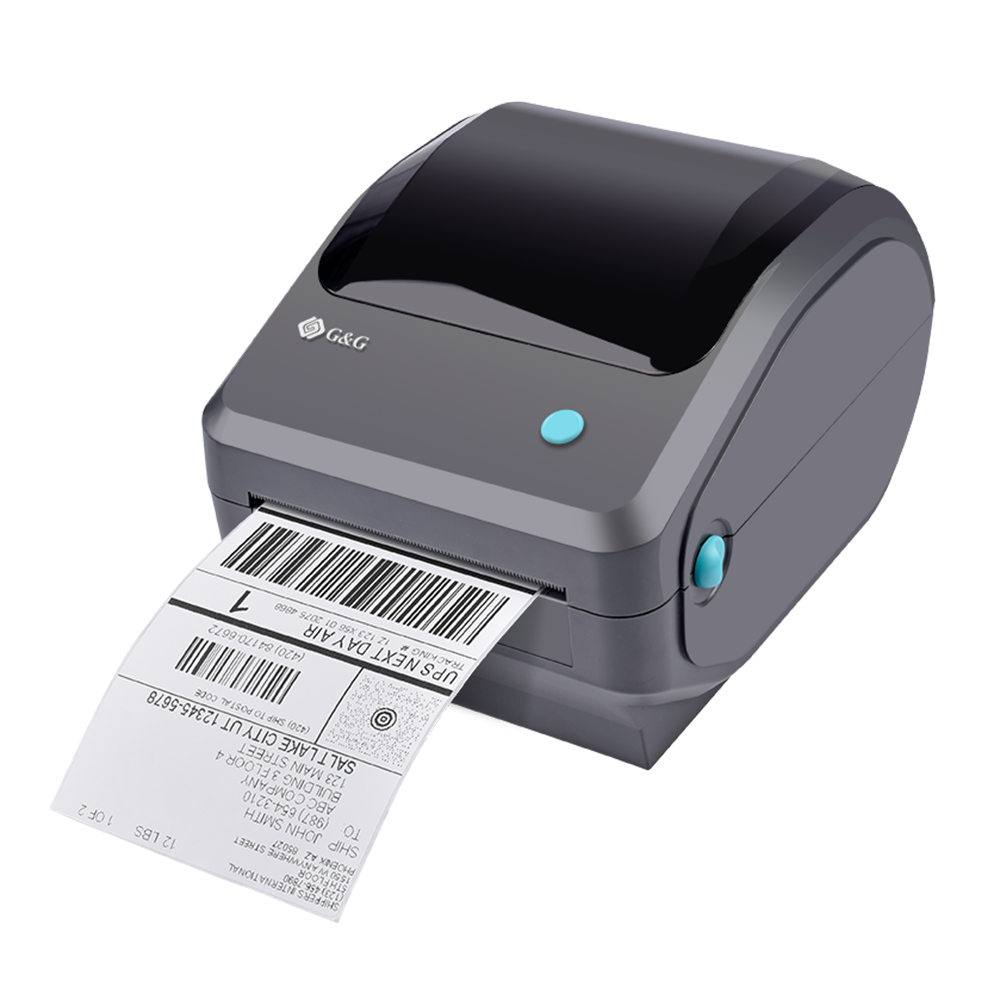
High – Performance Barcode Label Printers from G&G Image
G&G Image’s barcode label printers are designed with precision and cutting – edge technology to meet the diverse needs of modern businesses. These printers are engineered to handle high – volume printing tasks with ease, ensuring that you can quickly generate a large number of barcode labels without any compromise on quality.
Conclusion: Streamline Your Barcode Printing Process
Printing barcodes accurately and efficiently is vital for modern businesses. By investing in a dedicated barcode label printer and using high-quality consumables like those offered by G&G Image, you can ensure your barcodes are always scannable, durable, and cost-effective. Whether you’re printing barcodes for inventory management, product labeling, or sales transactions, following the steps outlined in this article and choosing the right tools will help you streamline your process and enhance your operational efficiency.
G&G Image, a leading provider of printing consumables, offers a wide range of products designed to meet the diverse needs of businesses and individuals alike. From printers to replacements, G&G Image is committed to delivering quality, reliability, and sustainability in every product. Choose G&G Image for your barcode printing needs and experience the difference that high-quality consumables can make.